

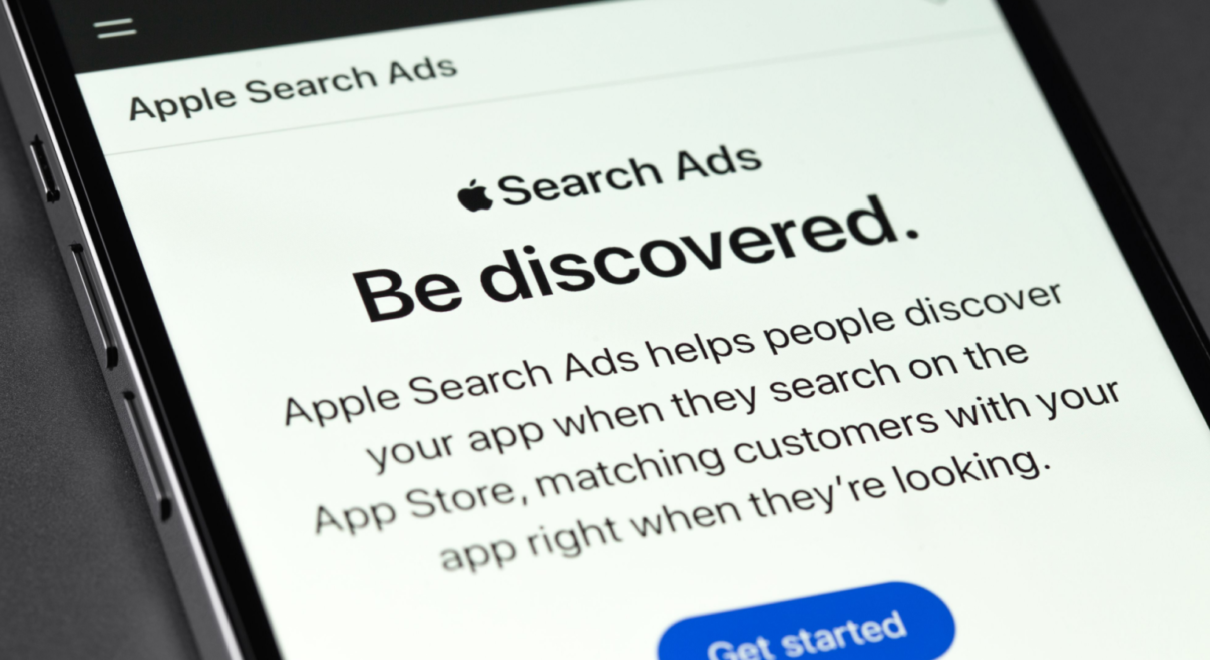
In a saturated mobile app market, standing out in the App Store is a huge challenge. This is where Apple Search Ads It becomes a key tool for developers and businesses.
This advertising platform allows you to connect your app with highly relevant users precisely when they are searching for what you offer.
Mastering this tool is essential if you want to boost your mobile acquisitioncompete with other applications and manage iOS campaigns efficiently.
Next, you will learn how to use Apple Search Ads precisely, and what strategies to apply to get better results in your advertising in apps.
What is Apple Search Ads?
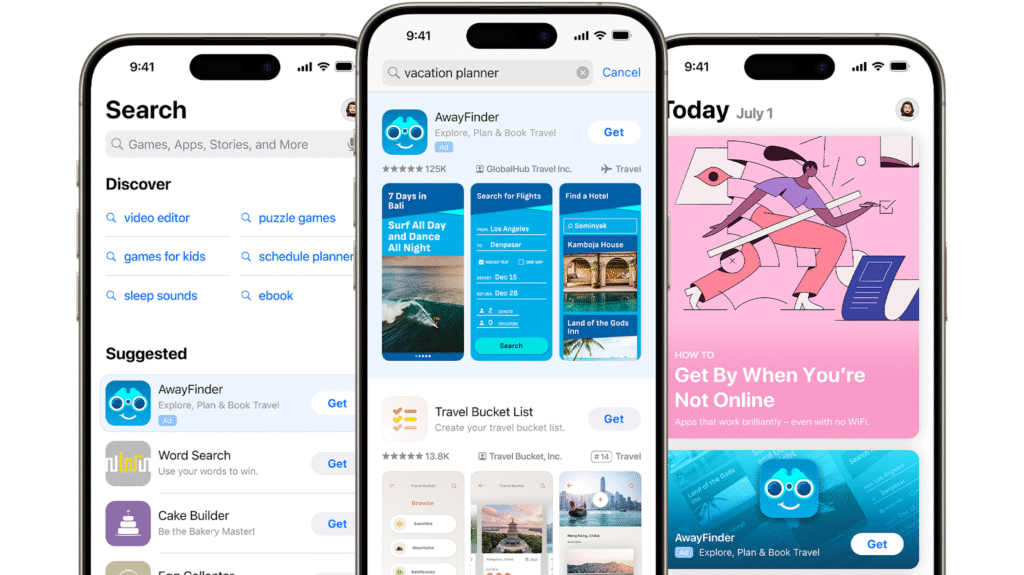
App Store advertising based on search intent
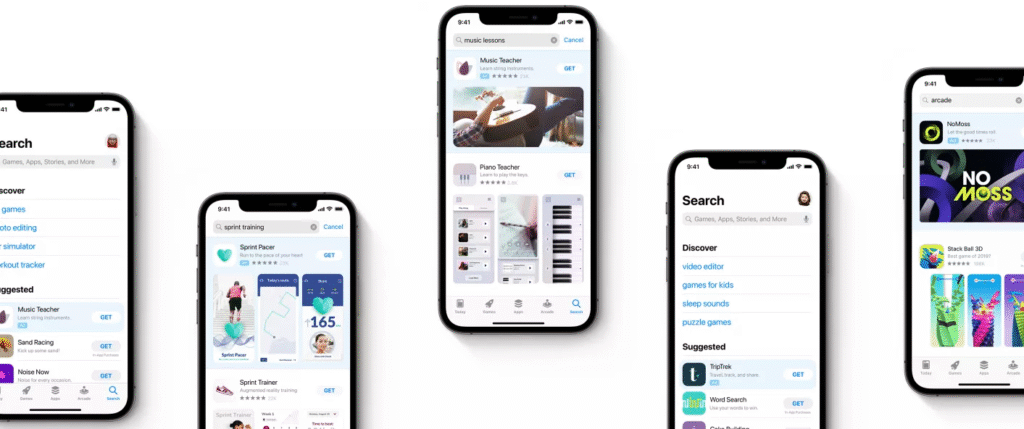
Apple Search Ads It's Apple's official advertising platform for promoting apps directly on the App Store. It displays ads at the top of search results when a user enters specific keywords.
This format performs well because the ad appears precisely when the user intends to download. This makes it one of the most effective ways to do so. advertising in apps precisely.
Two service levels: Basic and Advanced
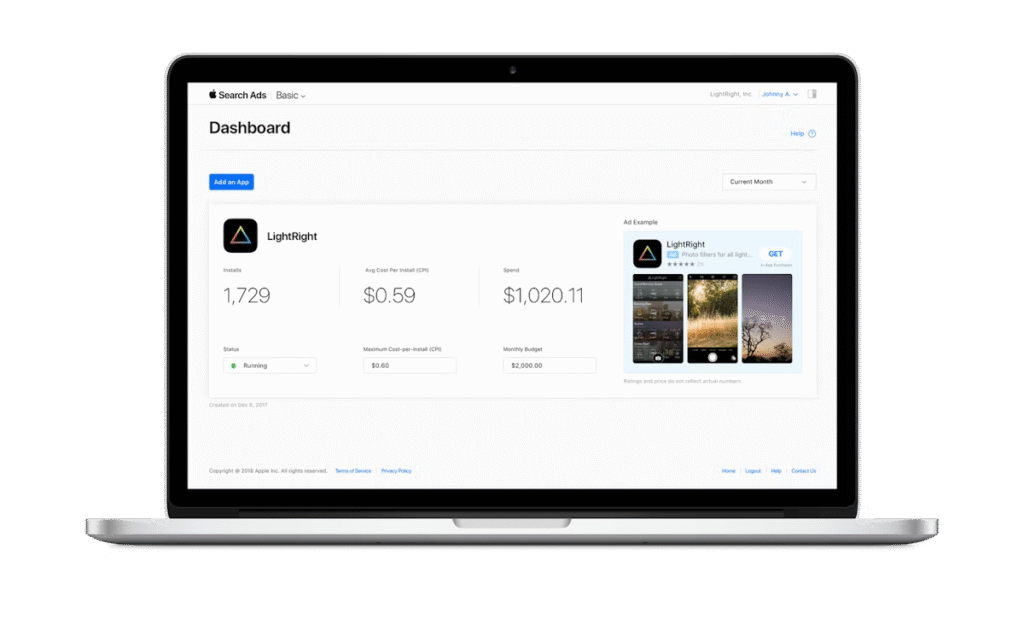
Apple offers two options: Search Ads Basic and Search Ads Advanced. Basic mode is geared toward those seeking simplicity. You simply define your budget and pay per installation. Apple takes care of the rest.
Advanced mode offers complete control. You can define keywords, segment audiences, and adjust bids per ad group. It's ideal for more sophisticated campaigns. mobile acquisition.
Benefits of using Apple Search Ads
Greater visibility in a competitive environment
Over 651% of downloads come from searches within the App Store. This makes Apple Search Adyes is fundamental to improving exposure.
By appearing at the exact moment a user is searching, you increase the chances of getting a qualified download.
High-quality mobile acquisition
Users acquired through Apple Search Ads They tend to have higher retention and lifetime value (LTV). This is because they are already interested in similar apps.
This quality allows for better optimization of installation costs and scalability. iOS campaigns more precisely.
Effective segmentation for iOS campaigns
With Search Ads Advanced you can target by device type, location, age, gender, language and even by users who have already installed similar apps.
This detailed segmentation helps you target the advertising in apps to the most appropriate audience and avoid wasting budget.
How to create an effective campaign with Apple Search Ads
Relevant keyword research
Before launching a campaign, research the terms your audience uses in the App Store. Use suggestion tools and historical data.
Select high-volume, low-competition keywords whenever possible. This maximizes your visibility at the lowest cost.
Organization in ad groups
Create different groups based on keyword type: brand, competitors, generic, and category. This allows you to adjust your strategy by segment.
This division improves performance control and facilitates the progressive optimization of the iOS campaigns.
Bid and budget adjustment
Define competitive bids based on the value of each installation. If a keyword converts more, allocate a larger budget to that group.
Constant monitoring will allow you to redistribute investment and improve return on investment. mobile acquisition.
Key metrics you should track
Conversion rate and cost per acquisition
The conversion rate indicates how well your ads are performing. If it's low, review your creatives or keywords.
Cost per acquisition (CPA) tells you how much you're paying for each download. You should keep it aligned with user value.
Retention and useful life value
These metrics show if the advertising in apps Is it attracting valuable users or just downloads with no impact? Evaluate using your app's internal data.
Combine this information with Apple's data to identify which campaigns are generating users with the greatest long-term impact.
Best practices for optimizing iOS campaigns
Constant A/B test
Experiment with different creatives, calls to action, and keyword combinations. Continuous improvement is essential to scaling your investment.
Even small changes can have a big effect on the effectiveness of your ads in Apple Search Ads.
Use broad and exact match
Use both types of keyword matching. Broad matching discovers new terms. Exact matching ensures control and efficiency.
A combined strategy allows you to capture more volume without losing accuracy in the mobile acquisition.
Integrate Apple Search Ads with your measurement stack
Connect Apple Search Ads to tools like Adjust, Appsflyer, or Branch. This improves the tracking and attribution of each channel.
This will give you a complete overview of performance and allow you to optimize each traffic source within your strategy. advertising in apps.
Common mistakes you should avoid
Not defining clear objectives
Not having a defined goal (CPA, downloads, retention) makes optimization difficult. Define your objective before launching the campaign.
Forgetting to track events within the app
Without post-download data, you won't know if your iOS campaigns They're attracting the right users. Set up key events in your app.
Relying solely on automatic mode
While Basic mode is useful, it doesn't offer complete control. For campaigns with sustained growth, Advanced mode is recommended.
Apple Search Ads It's a powerful tool to improve your app's visibility and optimize its performance. mobile acquisitionIts search intent-based model allows you to connect with genuinely interested users.
Mastering this platform will allow you to scale your iOS campaignsto reduce acquisition costs and improve traffic quality. Like any strategy of advertising in appsIt requires analysis, testing, and constant monitoring.
Harnessing the potential of Apple Search Ads It will make a difference in a digital environment where gaining attention is increasingly complex.
