


When you invest in digital advertising, you need to know what works and what doesn't. To do this, you need accurate data. UTM links allow you to identify where traffic is coming from and how users behave. However, traditional tagging can be limited or confusing.
In this article, we will explore how to implement Smart UTMsThis advanced approach improves the campaign tracking, allows a custom labeling and offers more useful information for decision making.
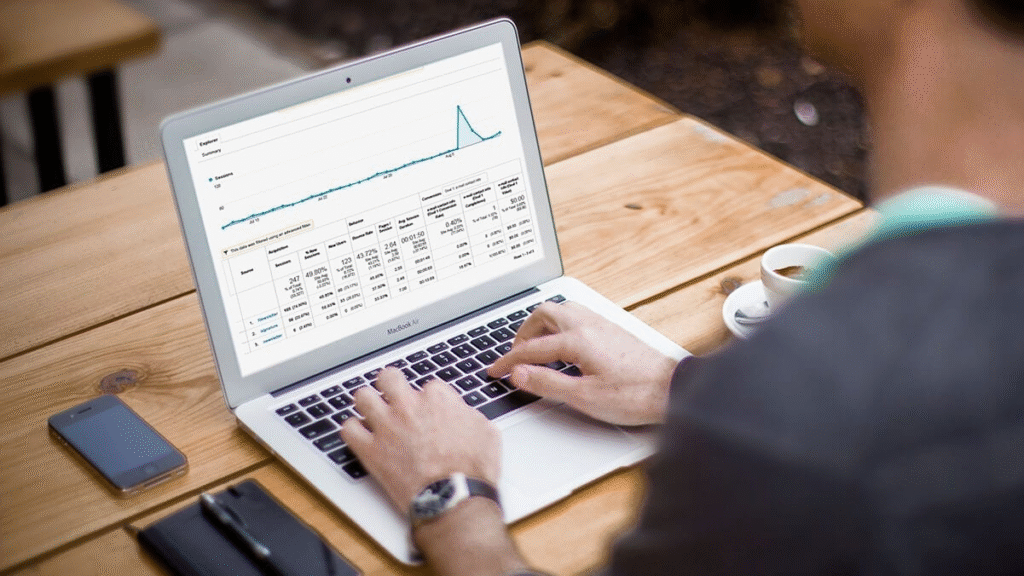
What are smart UTMs?
UTMs (Urchin Tracking Modules) are snippets added to the end of a URL to track data. They help identify the channel, source, campaign, keyword, and content that generated a visit.
The Smart UTMs They take this practice to the next level. They adapt to the context, automate their generation, or integrate dynamic variables depending on the platform, campaign, or user.
While standard UTMs are manual, the Smart UTMs They are generated or adjusted automatically. This reduces human error and improves accuracy. campaign tracking.
Advantages of using smart UTMs
Improvement in the quality of the analysis
By automating the custom labelingThe data collected is more reliable. This allows for a more accurate understanding of which campaigns are working.
Greater operational efficiency
The Smart UTMs They eliminate repetitive tasks. You don't need to manually label each link, which saves time and reduces errors.
Integration with analytics systems
Because they are designed to adapt, they integrate easily with platforms such as Google Analytics, Looker Studio, or custom CRMs.
Key components of smart UTMs
To create a good system, it is important to understand how it is composed and which elements you should include dynamically or automatically.
Source (utm_source)
Indicates the platform from which the traffic originates. It can be generated dynamically depending on the network (for example: Facebook, Instagram, TikTok, Google).
Medium (utm_medium)
Describe the type of traffic. In the case of paid ads, "cpc" or "paid_social" is usually used.
Campaign (utm_campaign)
It reflects the campaign name. Smart UTMs They can include the start date or campaign ID for greater accuracy.
Term (utm_term)
Useful for identifying the keyword or target audience, especially in Google Ads or paid search campaigns.
Content (utm_content)
It distinguishes between different ads within the same campaign. It allows you to compare versions, formats, or creative assets. campaign tracking.
How to create smart UTMs step by step
Establish a clear naming convention
Define a standard structure for your tags. This makes later analysis in tools easier. analytics and avoids inconsistencies.
Example:
- Source: Facebook
- Medium: paid_social
- Campaign: launch_January_2025
- Content: video_1
Use automatic generators or templates
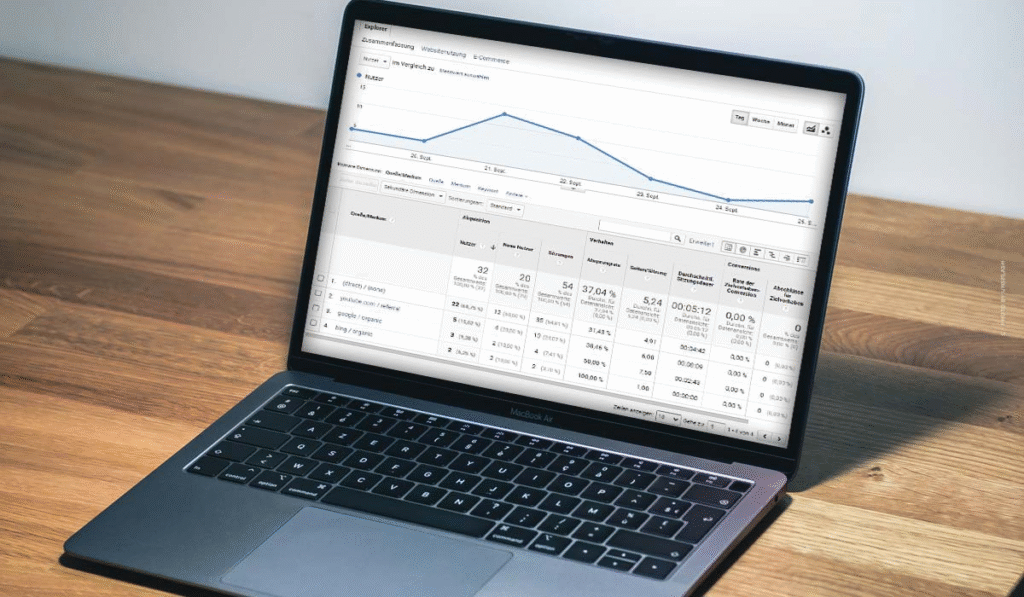
You can use tools like Google Sheets, Supermetrics, or Google Tag Manager to automate UTM creation. This ensures that all links follow your standard without errors.
Integrate with your ad manager
Many ad managers allow you to dynamically include UTM parameters. For example, in Facebook Ads you can use:
utm_campaign={{campaign.name}}&utm_content={{ad.name}}
This turns your links into Smart UTMs without manual intervention.
Validate the links before launching campaigns
Before publishing, check that the links redirect correctly and that the tags are consistent. A broken link can negatively impact the analysis.
Tools for managing intelligent UTMs
There are many platforms that help automate, manage, and analyze your tags. Here are some useful options:
Google Tag Manager
It allows you to insert dynamic UTM parameters without directly modifying URLs. Ideal for sites with many active campaigns or channels.
HubSpot or CRMs with dynamic tagging
Some CRMs allow you to create custom labeling depending on the lead source, facilitating user tracking from the first click.
Campaign URL Builder + spreadsheets
You can use smart templates in spreadsheets that generate UTMs based on inputs such as channel, audience, or format.
Common use cases for smart UTMs
Multichannel advertising
If you run campaigns on different platforms, you need to differentiate the performance of each one. Smart UTMsYou can find out which channel generates the most conversions.
Ad comparison
Use the utm_content parameter to differentiate between videos, images, or formats in A/B testing. Improve the campaign tracking and future decisions.
Influencer or affiliate monitoring
Assign a different UTM to each collaborator. This way you can identify who has the greatest impact, without relying solely on discount codes.
Best practices for using smart UTMs
- Maintain internal documentation of all codes used.
- Avoid excessive use of special characters or symbols.
- Use understandable names, without spaces or capital letters.
- Periodically review the data on your platform analytics.
- Automate as much as possible to reduce errors and maintain consistency.

Implement Smart UTMs It doesn't require vast resources, but it does require a clear strategy. Unlike manual labeling, this approach improves the quality of the analysis, allows for better decision-making, and optimizes the campaign tracking.
Furthermore, its integration with systems of analytics It allows you to clearly see which actions truly drive results. If you're looking to scale your paid campaigns and obtain reliable data, it's time to move beyond basic UTM parameters and invest in a more robust approach. custom labeling and automated.
