

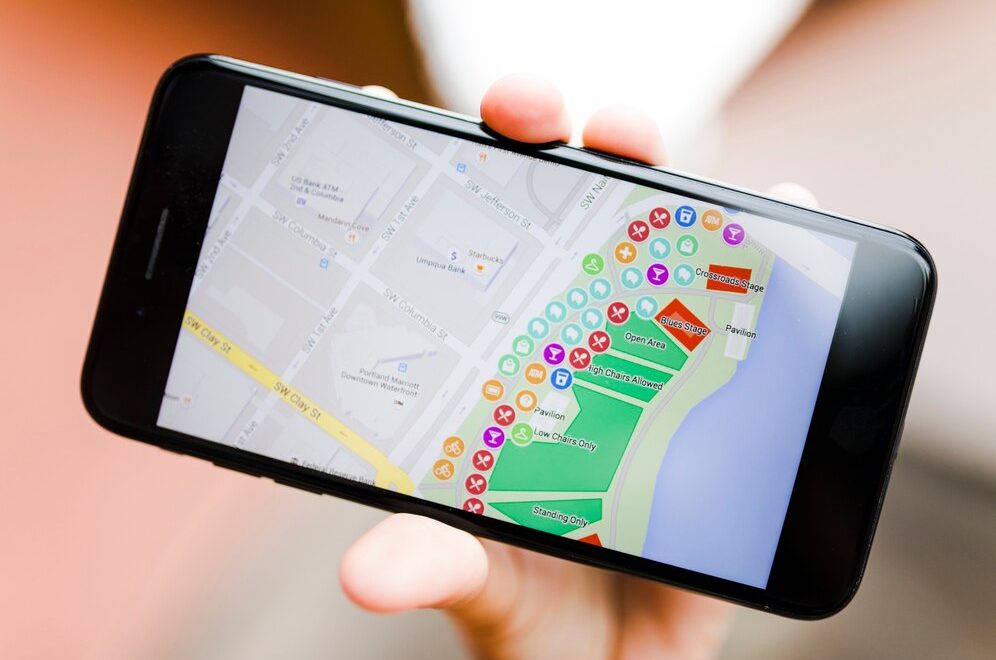
He SEO on Google Maps has become a key tool for businesses with a physical presence. Appearing at the top of local searches can make the difference between gaining or losing customers.
Today more than ever, users rely on Google to find products and services near their location.
If you have wondered how to position my business on Googlethis article is for you. We explain step by step what to do to improve visibility in local searches using local SEO strategies.

What is SEO on Google Maps?
He SEO on Google Maps is the set of techniques that seek to improve the position of your business listing in Google map results. This is known as the "Local Pack", the map box with three featured businesses that appears in many local searches.
Appearing there can generate a high volume of calls, visits and sales. The key is to properly optimize your Google business profile and work on other external factors.
Positioning my business on Google: step by step
For position my business on GoogleIf you have a Google Business Profile (formerly Google My Business), it is essential to have a listing on Google Business Profile (formerly Google My Business). Here's how to optimize it correctly.
1. Claim and verify your file
If you have not already done so, create or claim your Google Business Profile. Once set up, verify your business using the methods offered by Google. This is essential for the information to appear publicly.
2. Fill in all the information
Complete each field of your profile with accurate information. This includes business name, address, phone, hours, website, category and description.
The description should be clear, include relevant keywords and reflect what you offer. The more information you provide, the more trust you will generate in Google and in users.
3. Use local keywords
For improve visibility in local searchesincludes terms with geographic intent. For example: "cafeteria in Barcelona" or "hairdresser in Malaga center".
Be sure to use these words in the description, posts, FAQs and reviews whenever possible.
4. Publish content in your file
The business tab also allows you to share publications such as promotions, events or news. Posting regularly generates greater visibility and demonstrates constant activity.
These publications may also contain local keywords, which reinforces your SEO on Google Maps.
Local SEO strategies to stand out
In addition to optimizing your business profile, you need to apply local SEO strategies complementary. These external actions help Google validate the relevance and authority of your business.
Get customer reviews
Reviews are essential for position my business on Google. The more positive reviews you have, the higher your ranking will be.
Encourage your customers to leave reviews after a purchase or service. Always respond to reviews, both positive and negative, in a professional and friendly manner.
Register in local directories
Being present in reliable directories such as Yelp, Yellow Pages or sectorial directories strengthens your local profile.
Make sure your business information is exactly the same on all sites. This includes name, address and phone number.
Generate local links
Linkbuilding also applies in the SEO on Google Maps. Try to get links from local sites, such as local blogs, digital media or chambers of commerce.
These links tell Google that your business is relevant to a specific location, which improves your local search rankings.
Uses Schema markup
The use of structured data (Schema.org) helps search engines to better understand your business. You can use it to mark your address, opening hours, products and services.
This can help your visibility and improve the appearance of your results in the SERPs.

How to improve visibility in local searches
Appearing among the first results of the map does not only depend on your file. There are other key factors to improve visibility in local searches:
1. Proximity
Google prioritizes businesses close to the user's location. Although you cannot control this factor, you can reinforce your positioning with other elements such as relevance and reputation.
Relevance
Google evaluates how relevant your listing is for a given search. The more information you provide, the more relevant you are.
This includes correct category, optimized description and updated content.
3. Prominence
This factor is based on the reputation of the business on the internet. The more mentions, links, reviews and online activity you have, the better positioning you will get.
Work on your digital presence in social networks, directories, news sites and blogs.
Common SEO mistakes on Google Maps
Avoiding mistakes is also part of a good strategy. Here are some common mistakes to avoid:
- Using incorrect or non-specific categories.
- Failure to update schedules, especially on holidays.
- Ignore customer reviews.
- Duplicate cards for the same business.
- Inconsistent data on different platforms.
Correcting these errors can generate quick improvements in your positioning.
Measurement and monitoring
To evaluate your efforts in SEO on Google Mapsuses Google Business Profile statistics. You can see how many times your listing is displayed, how many calls are generated and how many visits you receive to the website.
You can also use tools such as Google Analytics and Google Search Console to analyze the local traffic coming to your website.

Working the SEO on Google Maps is a key action for any business that wants to attract local customers. From optimizing your profile to applying effective local SEO strategies, every step counts.
It is not enough to create a file. You have to keep it active, complete and aligned with users' needs. By applying these tactics, you will achieve position your business on Google in a sustainable manner.
Remember: local visibility not only improves your digital reputation, it also translates into more calls, visits and sales. Integrating all these actions will allow you to improve visibility in local searches and become the first choice for your potential customers.
